Import inventory
Migrate in minutes, not days.
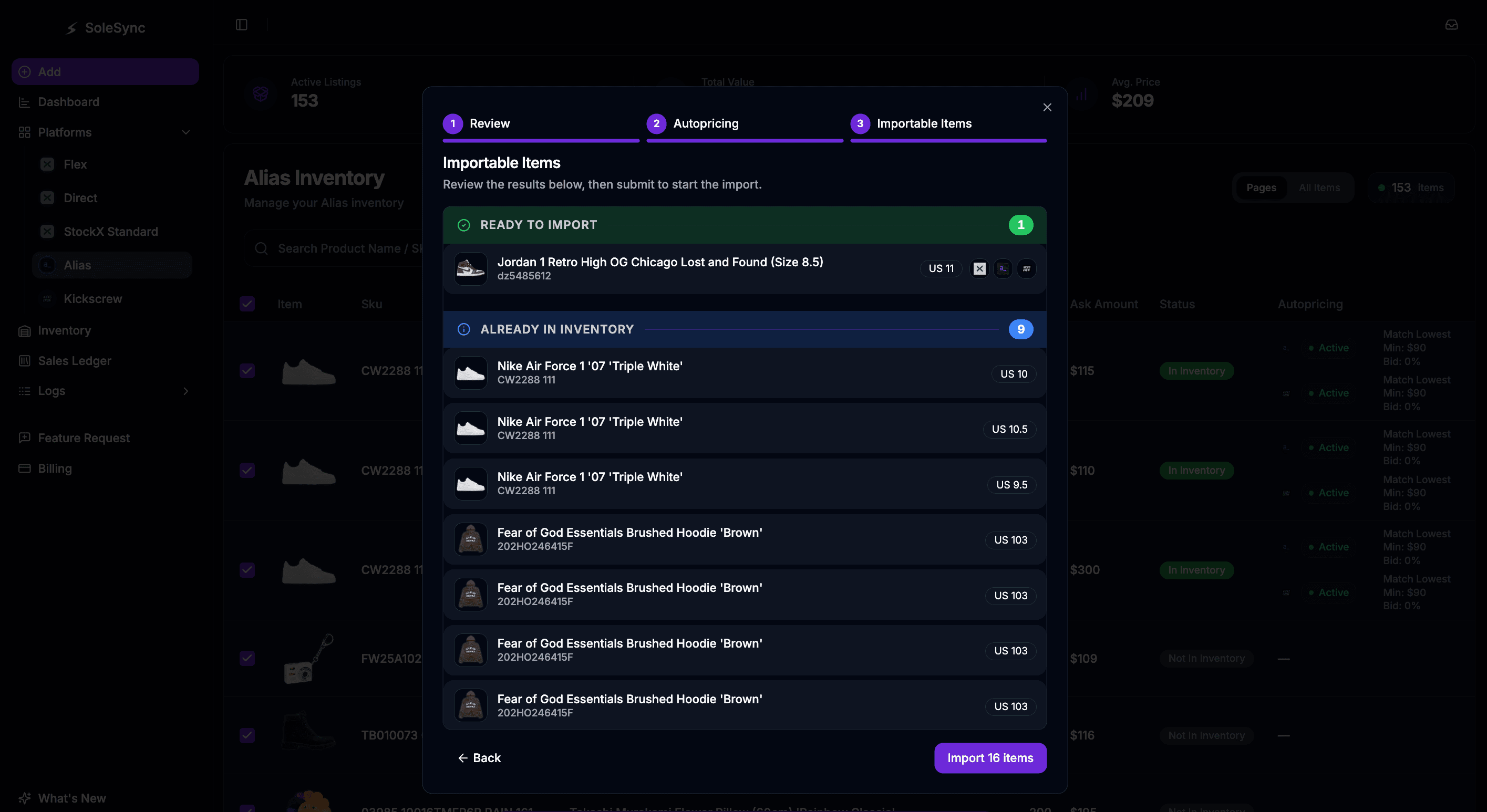
Already listed on StockX or Alias? Bring your existing listings into SoleSync in a few clicks.
Works with
 StockX
 Alias
Alias Kickscrew
How it works.
1
Pick your listings
Select the StockX or Alias items you want to import.
2
Configure autopricing
Choose how each item should be priced going forward.
3
Hit submit
That's it. Your inventory is in SoleSync in seconds.
More from SoleSync


Start selling smarter today.
Scale your catalog without scaling your hours. Your first 10 sales every month are free.